





Drag and drop files here or click to browse Upload images larger than 300 x 300px.
Formats: PNG, JPG, JPEG, AI, PDF, EPS, TIF, TIFF
 Price Calculator
Product Details
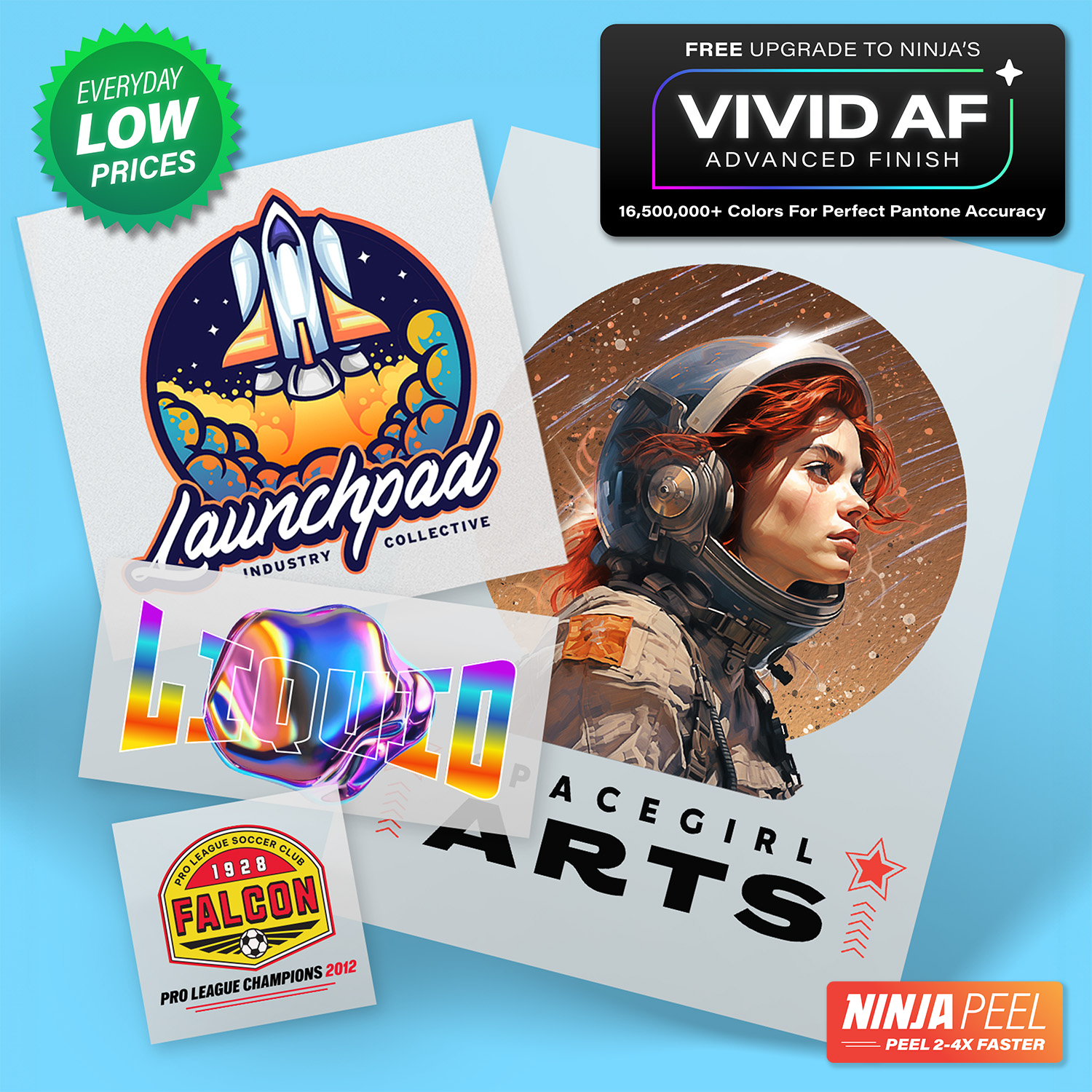
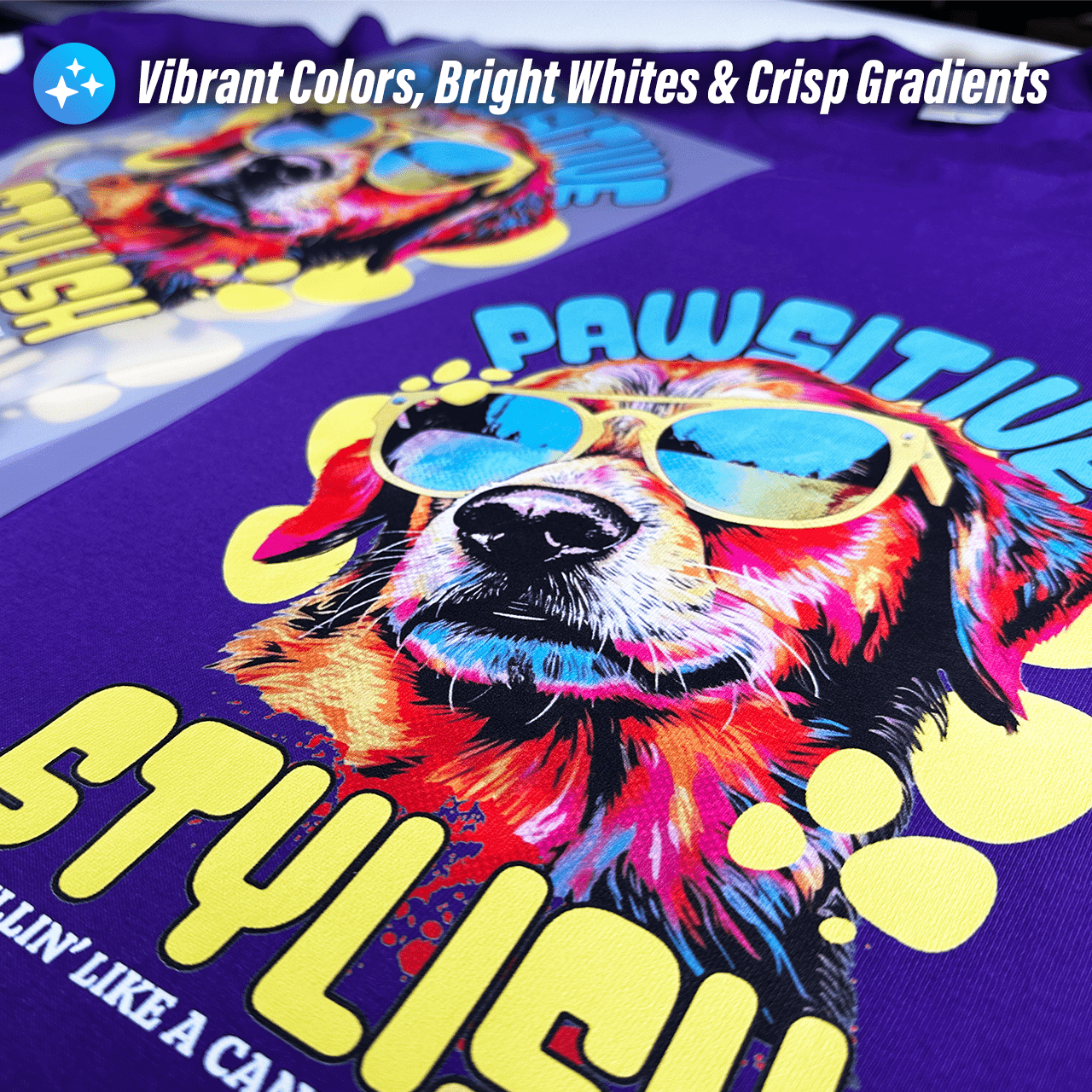
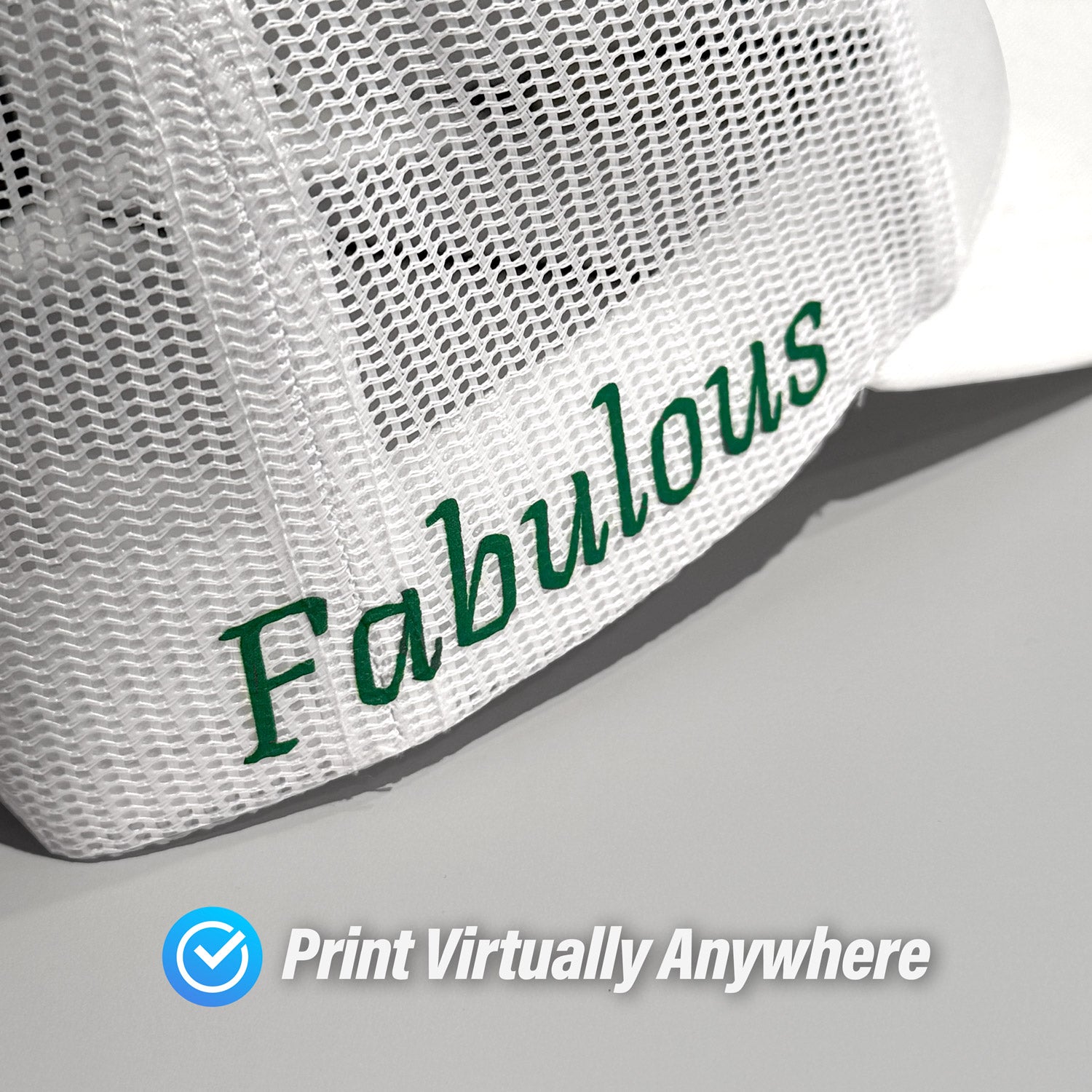
Experience professional-grade DTF printing made effortless with Ninja Transfers. Every transfer is produced using our VIVID AF DTF process, featuring an expanded CMYK + RGBO + White ink system that delivers dramatically brighter colors, smoother gradients, and sharper detail -- at no extra cost. From vibrant colors and clean whites to fine lines and complex gradients, our high-quality DTF transfers give shops, brands, and creators the freedom to print virtually any design on any garment with consistently standout results.
Features
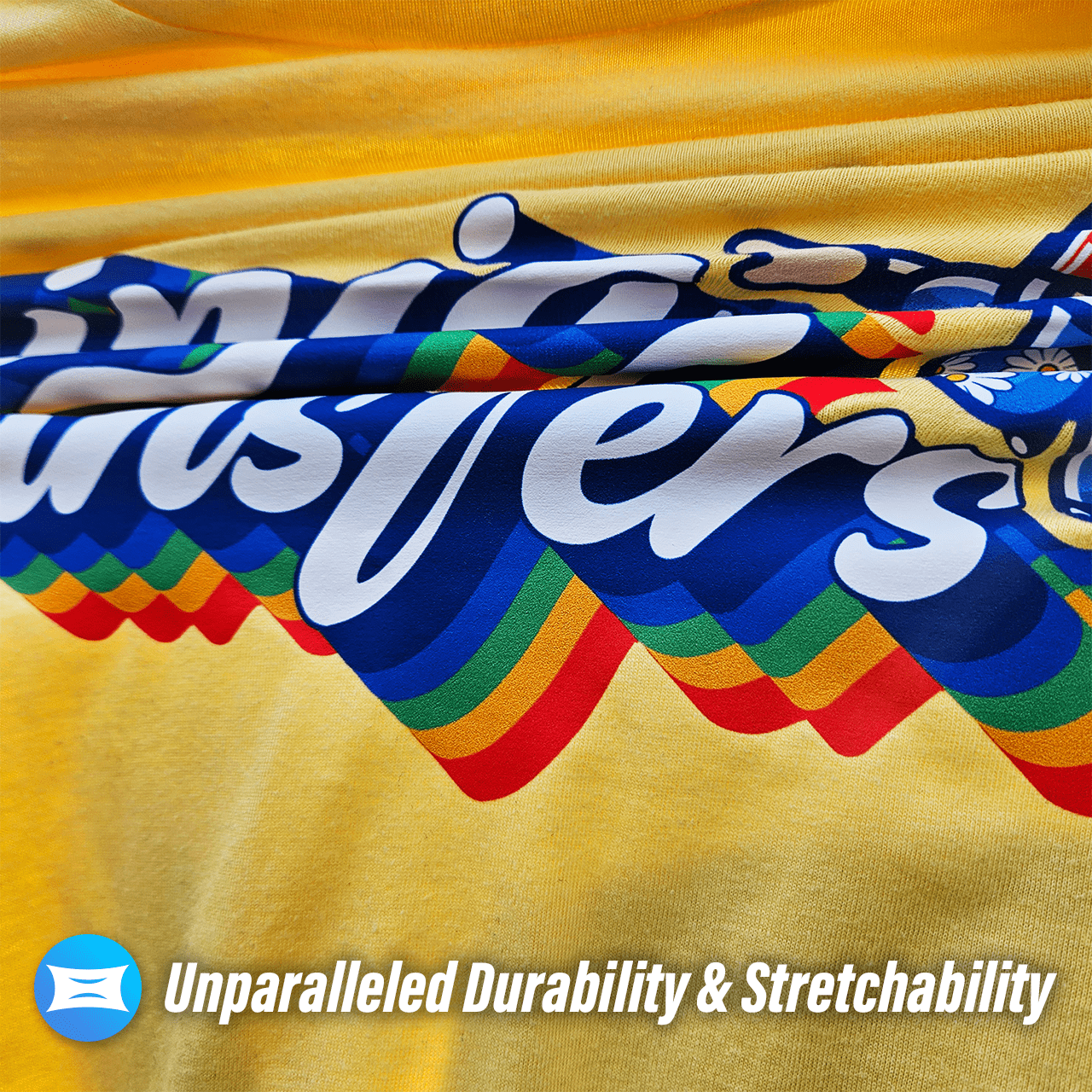
16.7 Million Printable Colors
VIVID AF DTF uses expanded CMYK + RGBO + White inks for richer saturation, brighter whites, smoother gradients, and sharper detail.
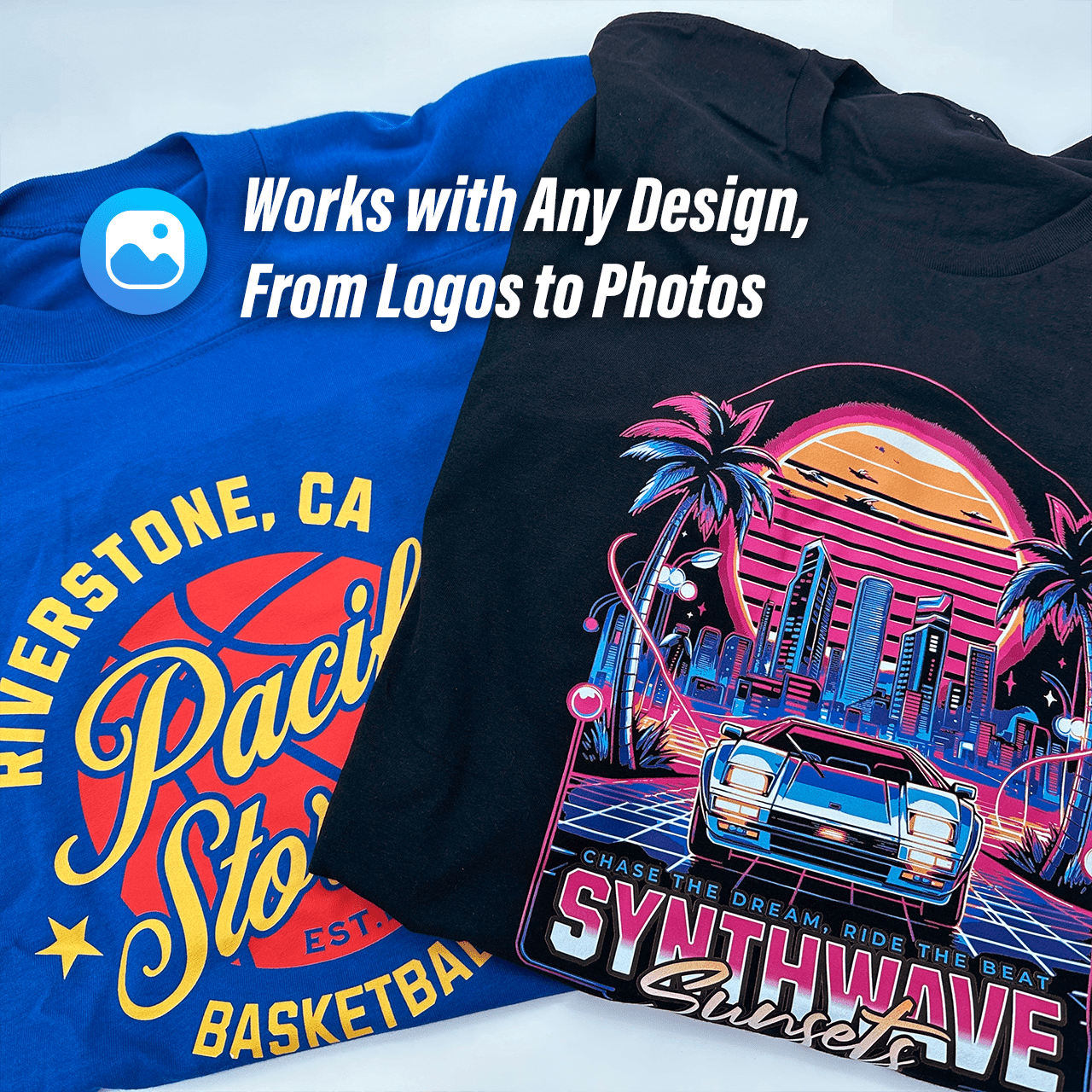
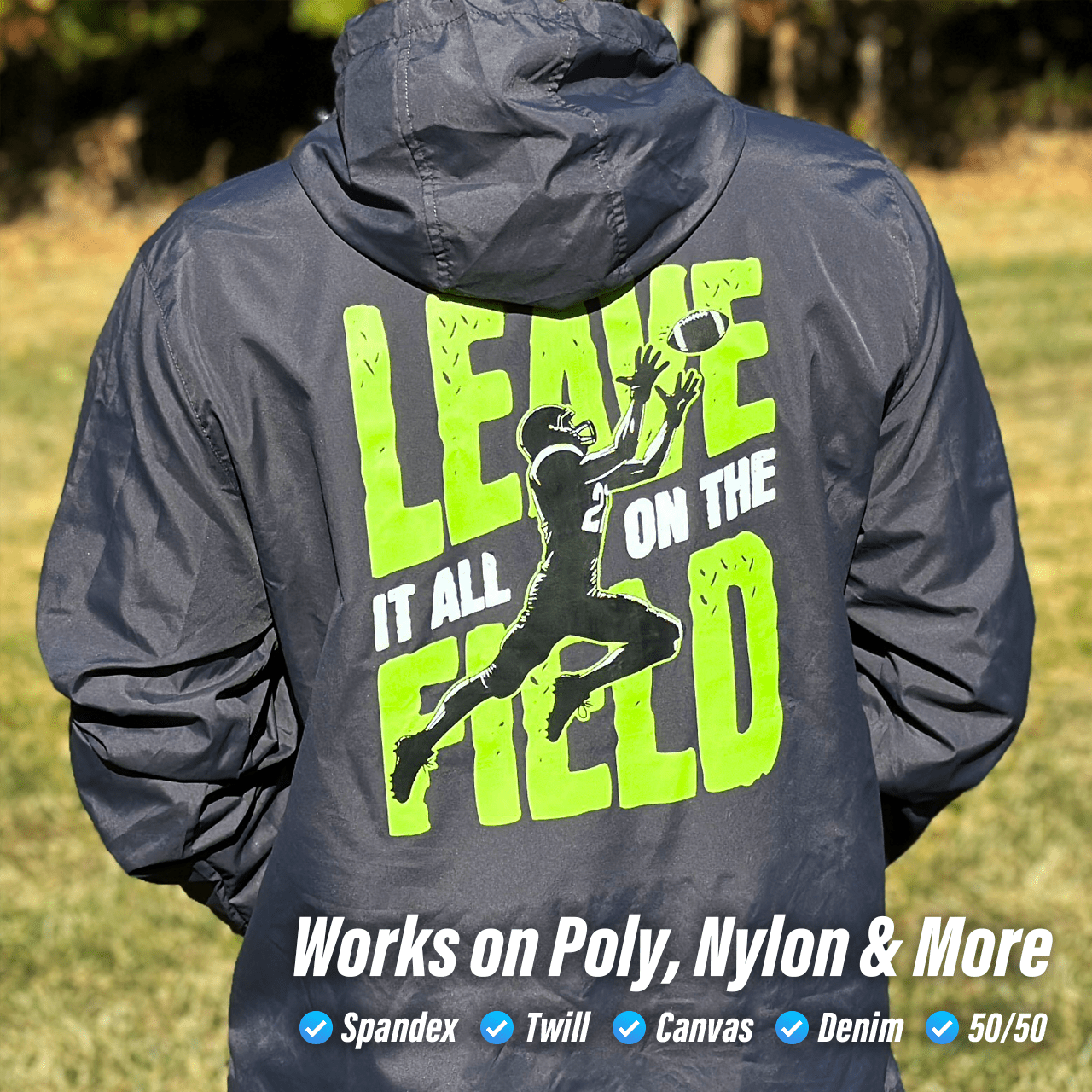
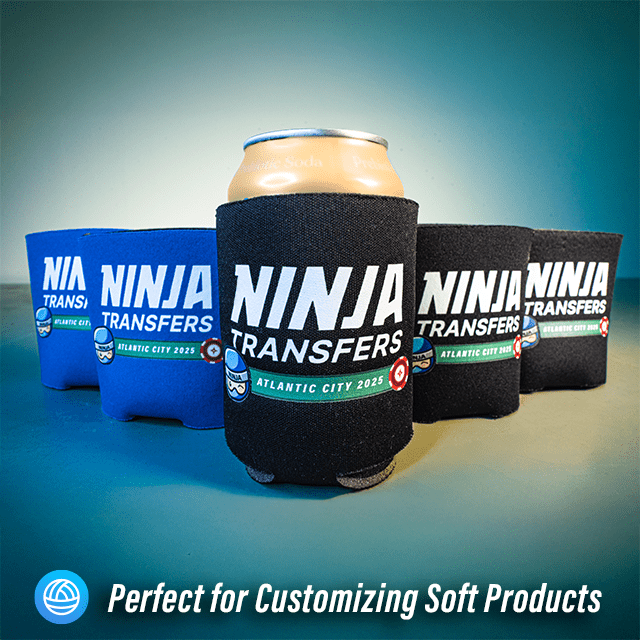
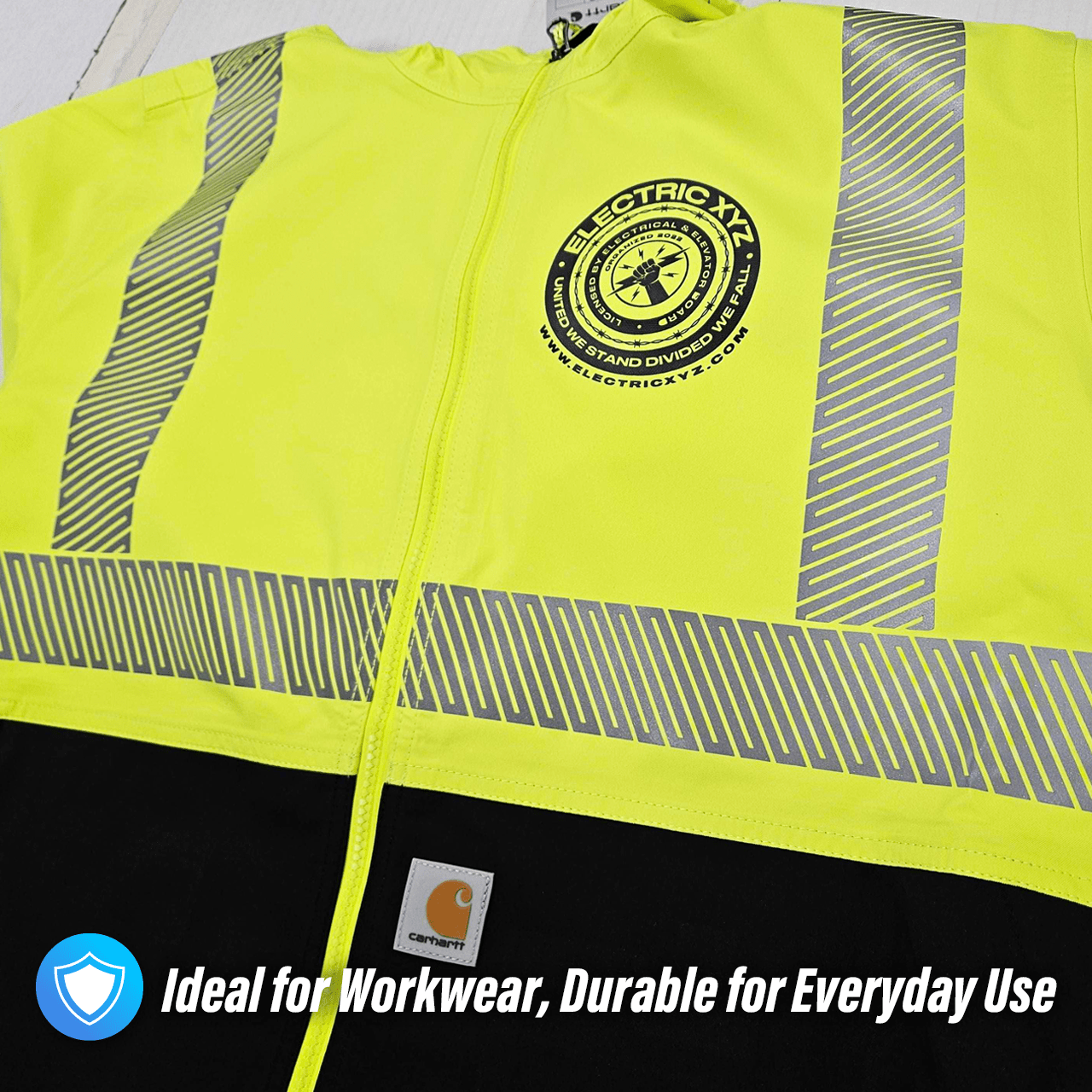
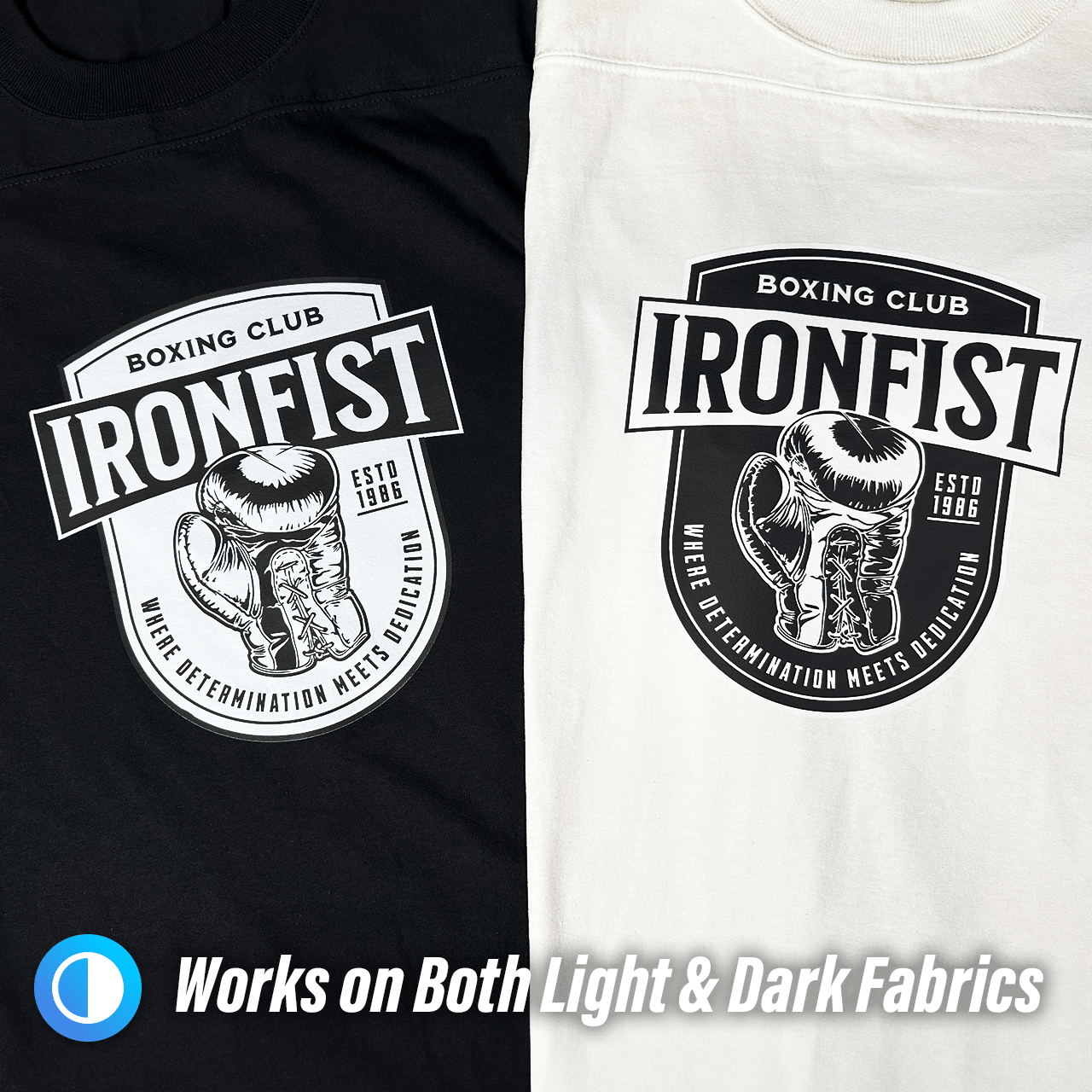
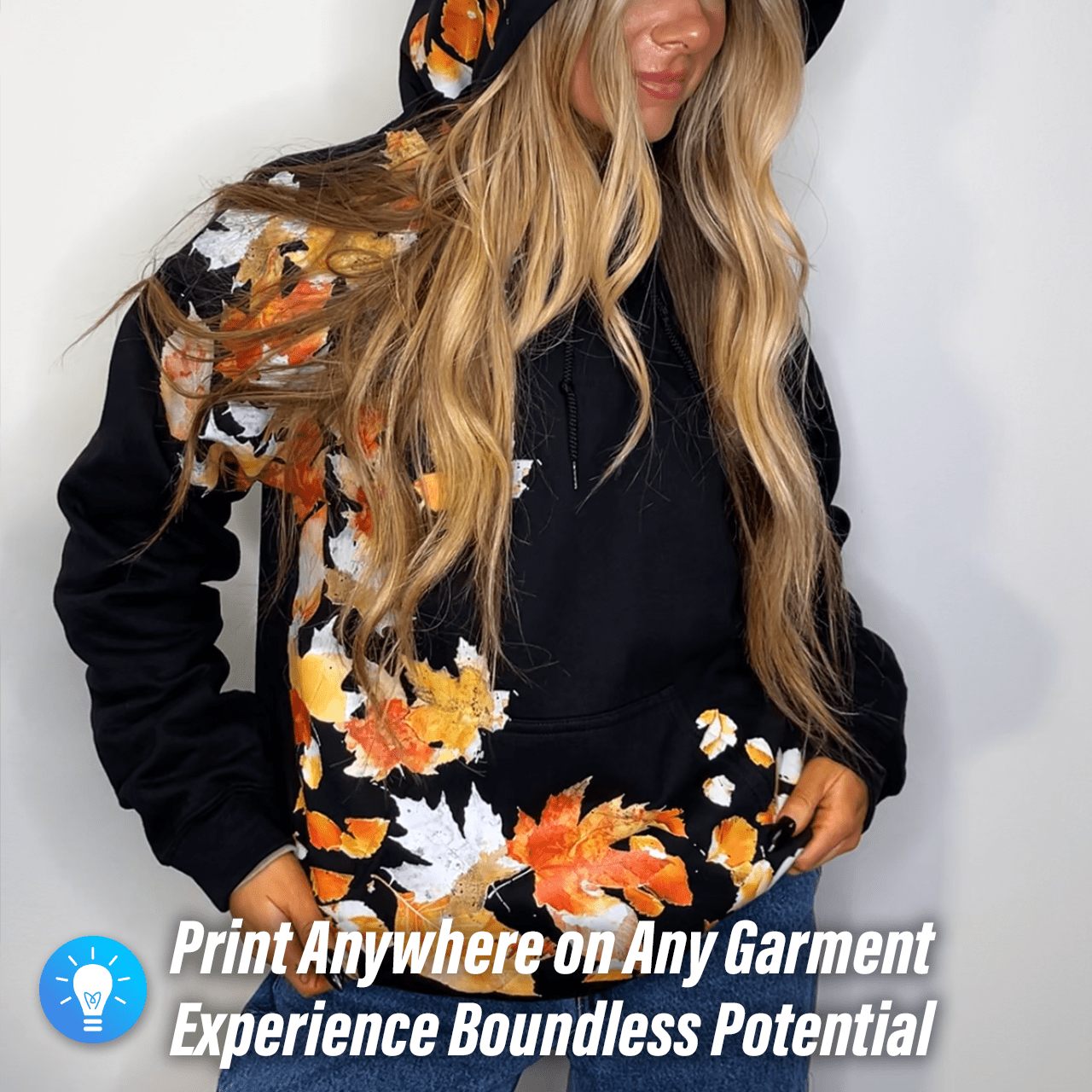
Works on Any Garment
Delivers consistent results across nearly all fabric types, colors, and stretch levels.
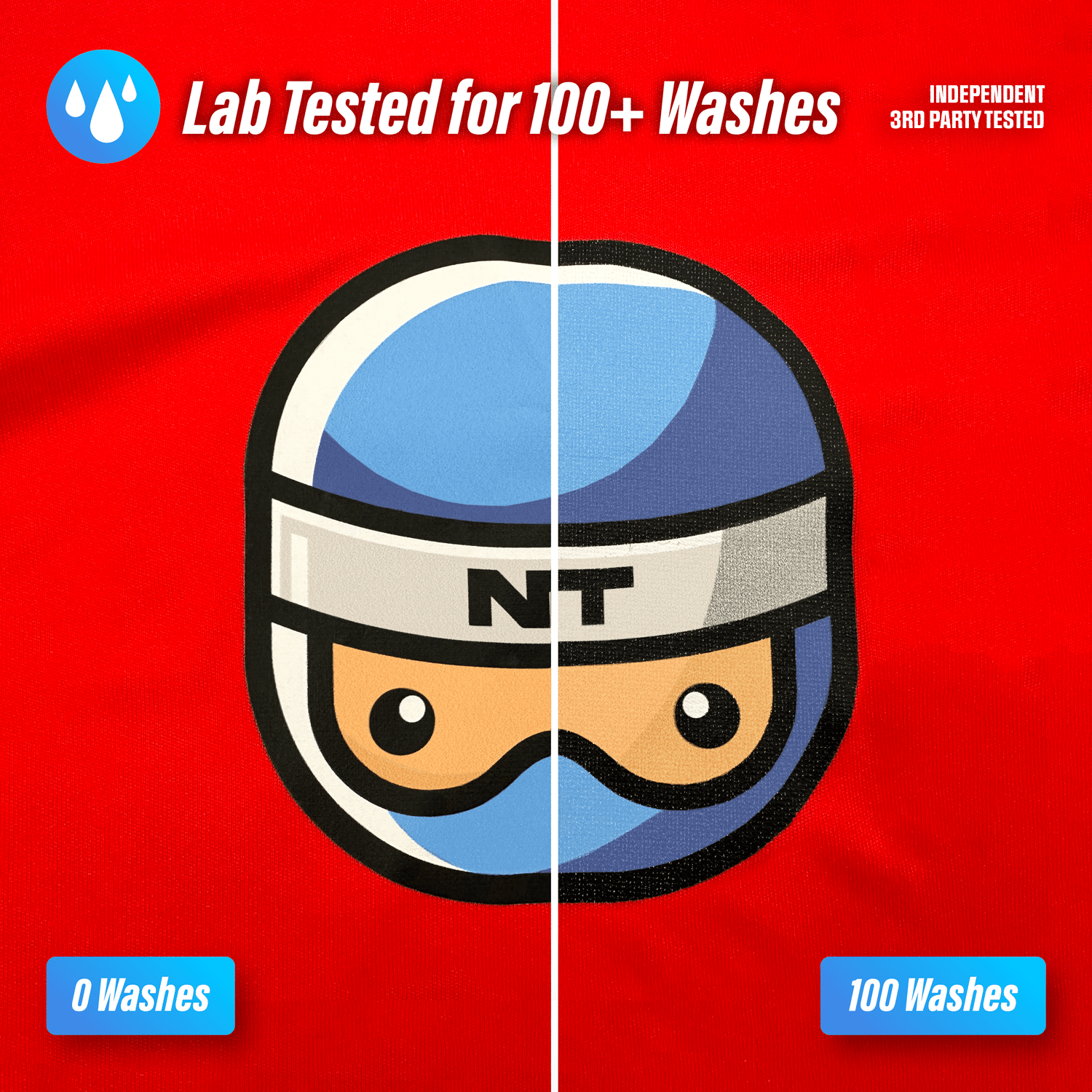
Tested for 100+ Washes
Built to maintain vibrancy, durability, and detail through 100+ wash cycles.
Easy Application
No weeding or pretreatment required. Just position, press, and peel.
Soft Hand Feel
Produces a smooth, flexible finish that feels comfortable on the garment, unlike stiff vinyl or gritty DTG prints.
Expert Order Review
Every order is reviewed by a professional designer. Optional background removal and minor cleanup are available when notes are added at checkout.
Pressing Instructions
1. No Pre-Press Required
Pre-pressing to remove moisture or wrinkles is not required. Only do so if you prefer.
2. Position the Transfer
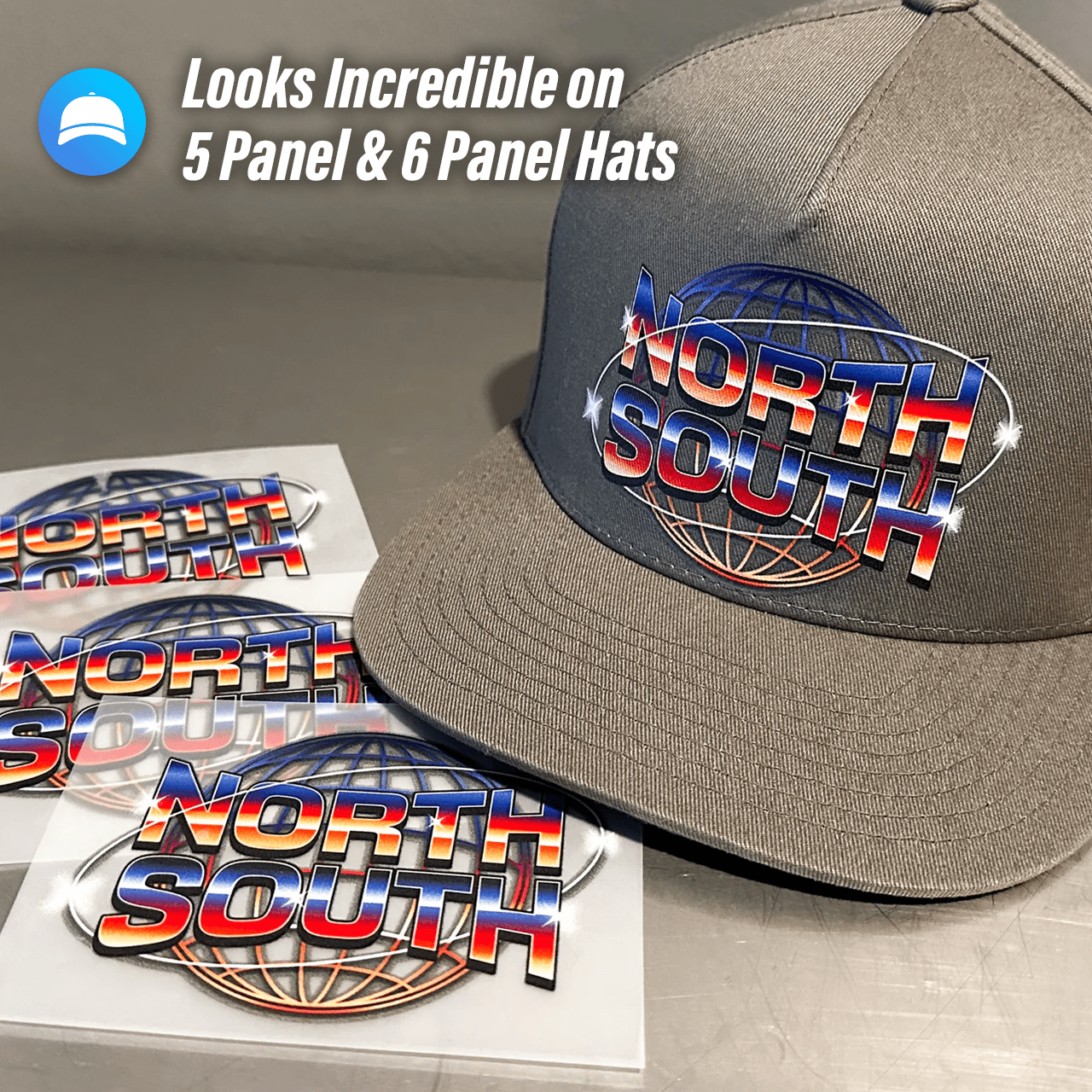
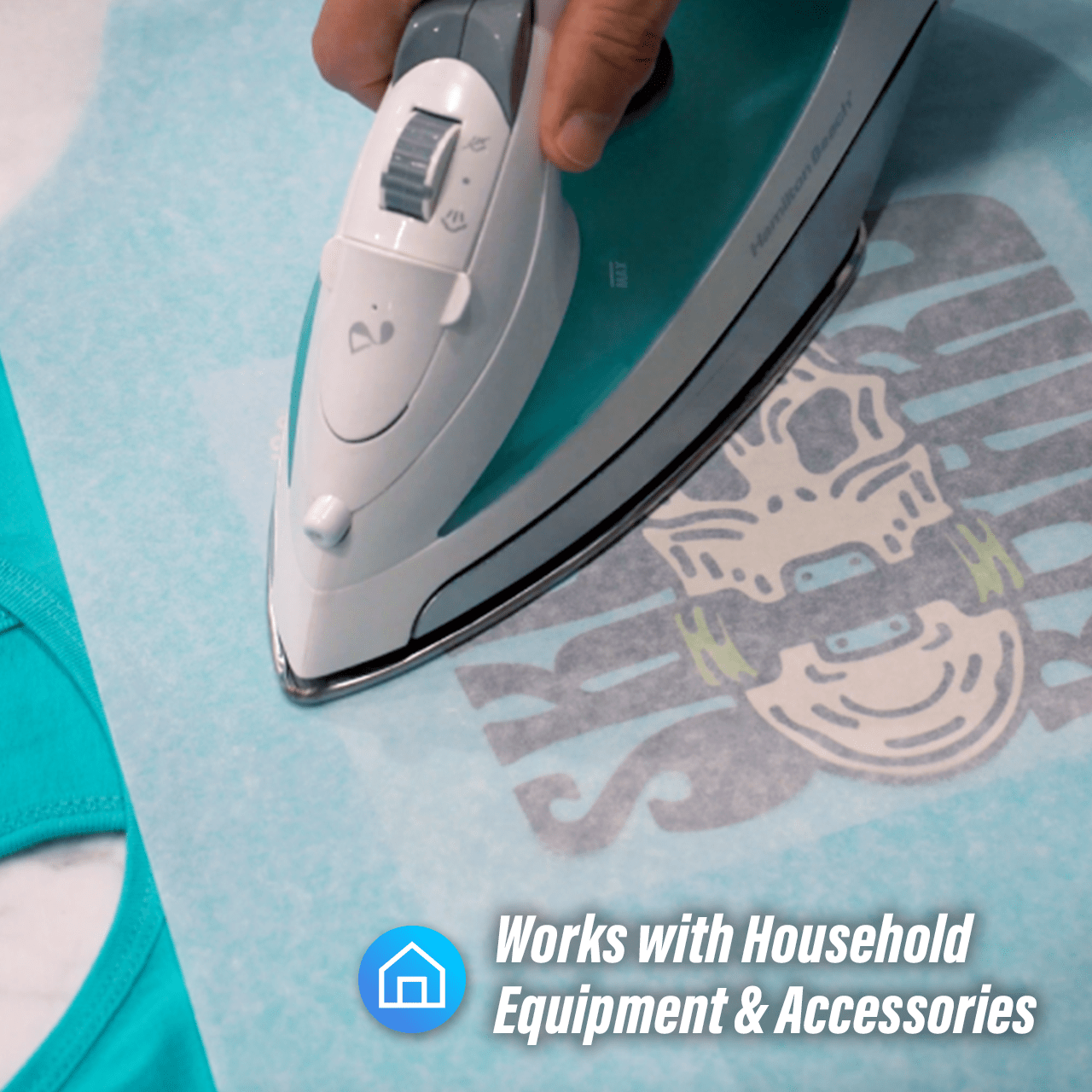
Place the transfer flat in the desired location. Pressing over seams is fine, including side seams and 6-panel hats. Use heat-resistant tape when pressing hats or when using a household iron.
3. Press and Peel
- Press at 310°F / 155°C with medium to high pressure for about 12 seconds
- Use parchment paper or a silicone platen cover to protect the garment
- Wait a few seconds, then peel
- If areas do not adhere, re-press with more pressure and increase heat by 15°F as needed
- Repeated pressing will not damage the transfer
- If scorching occurs, reduce pressure first. If needed, keep pressure reduced and lower heat by 10–15°F
4. Final Press and Care
After peeling, cover the design with parchment paper and press again for 15 seconds. This final press improves durability, softness, and reduces shine. Wash after 24 hours for best results.
Art Upload Recommendations
- All file types accepted
- Vector files preferred
- Raster artwork should be 300 DPI or higher
- Canva or Procreate users should export as PDFs
- Minimum recommended detail size: 0.02 inches (0.5 mm) to ensure proper transfer quality